Windows
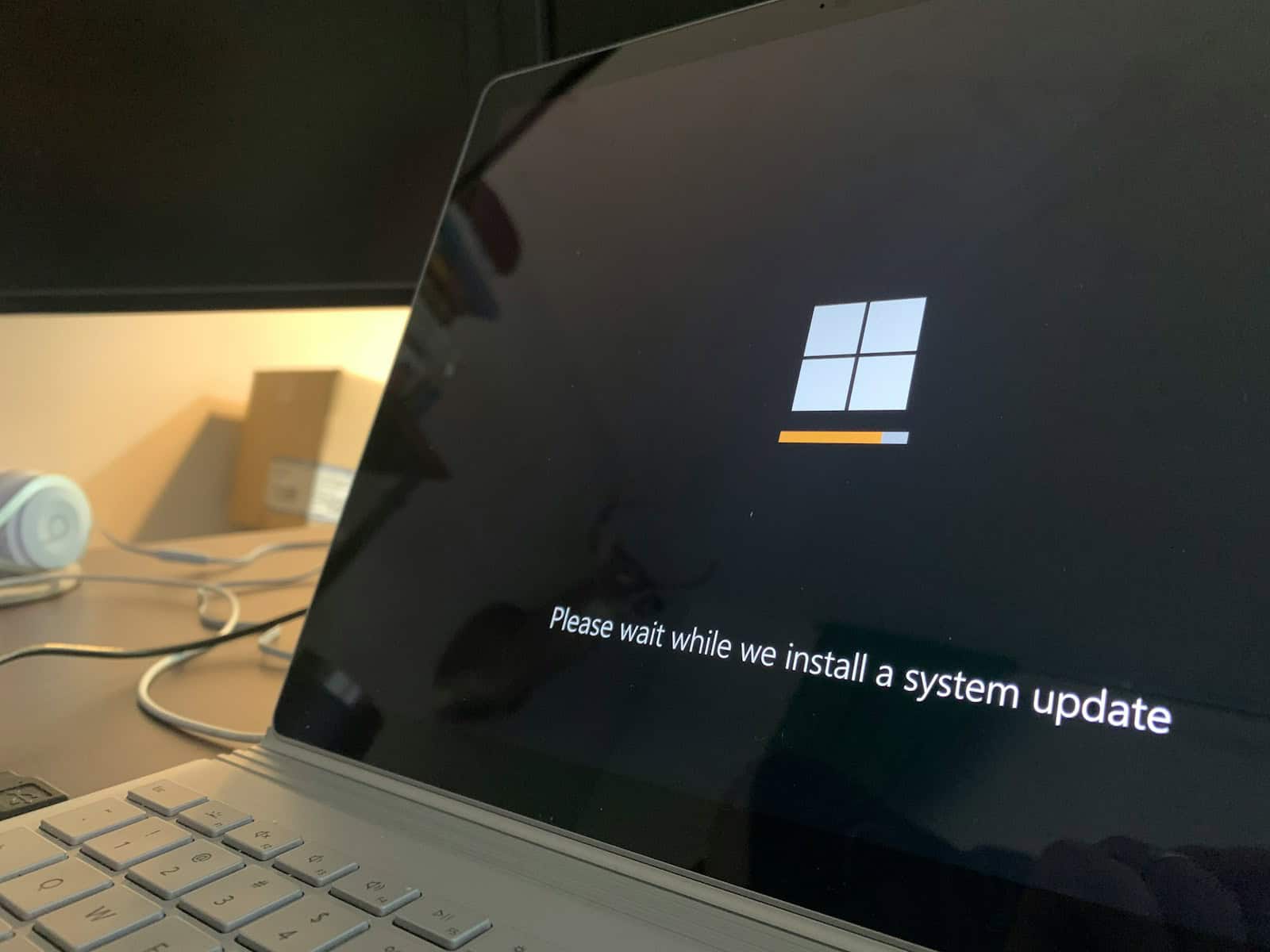
Best Tips To Debloat Windows 11
Windows 11 comes with numerous pre-installed apps and features that many users may not find useful. These extra components can ...
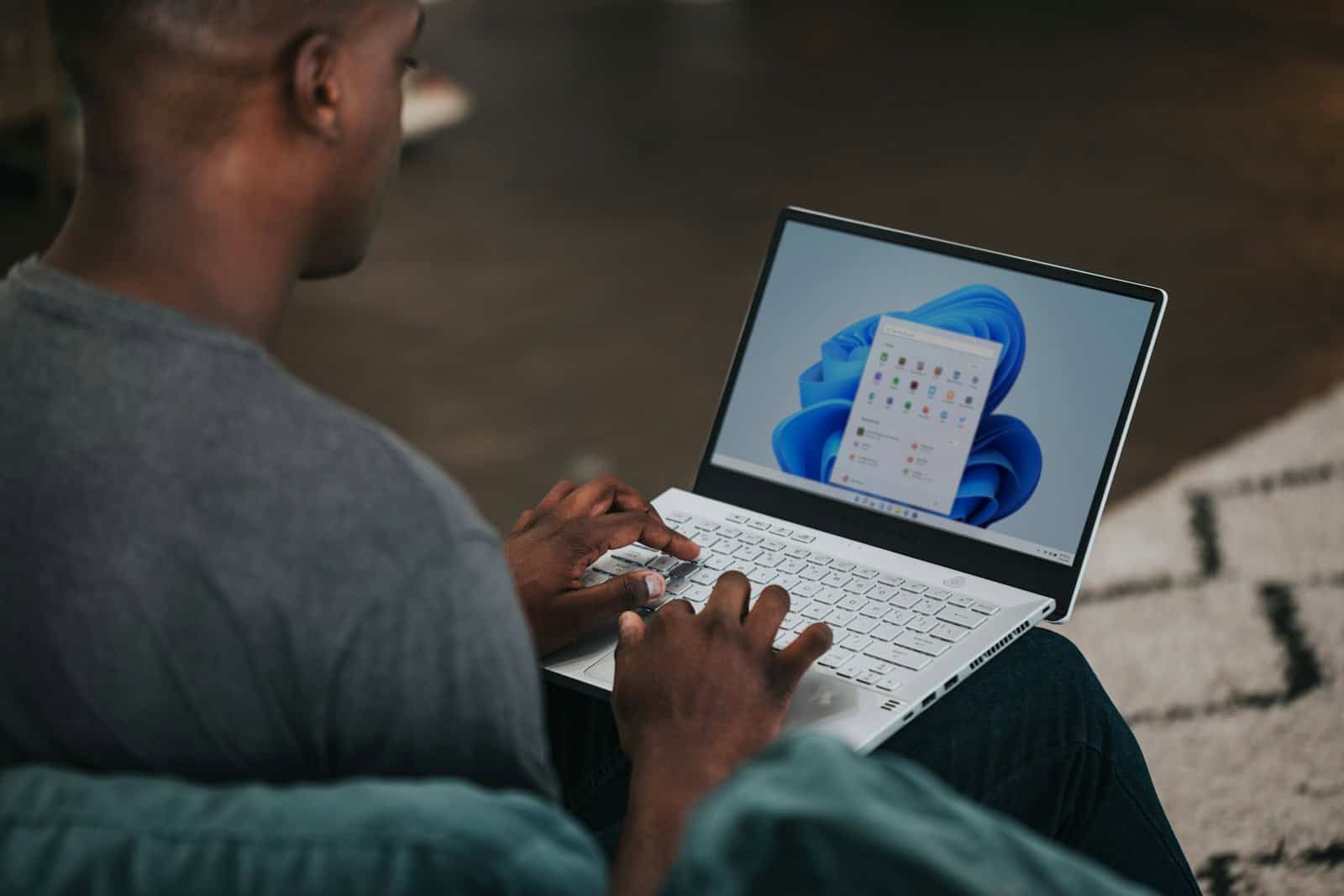
Getting Through Windows 11 Setup Without Access To The Internet
Setting up Windows 11 without an internet connection is possible and can be useful in various situations. You can bypass ...
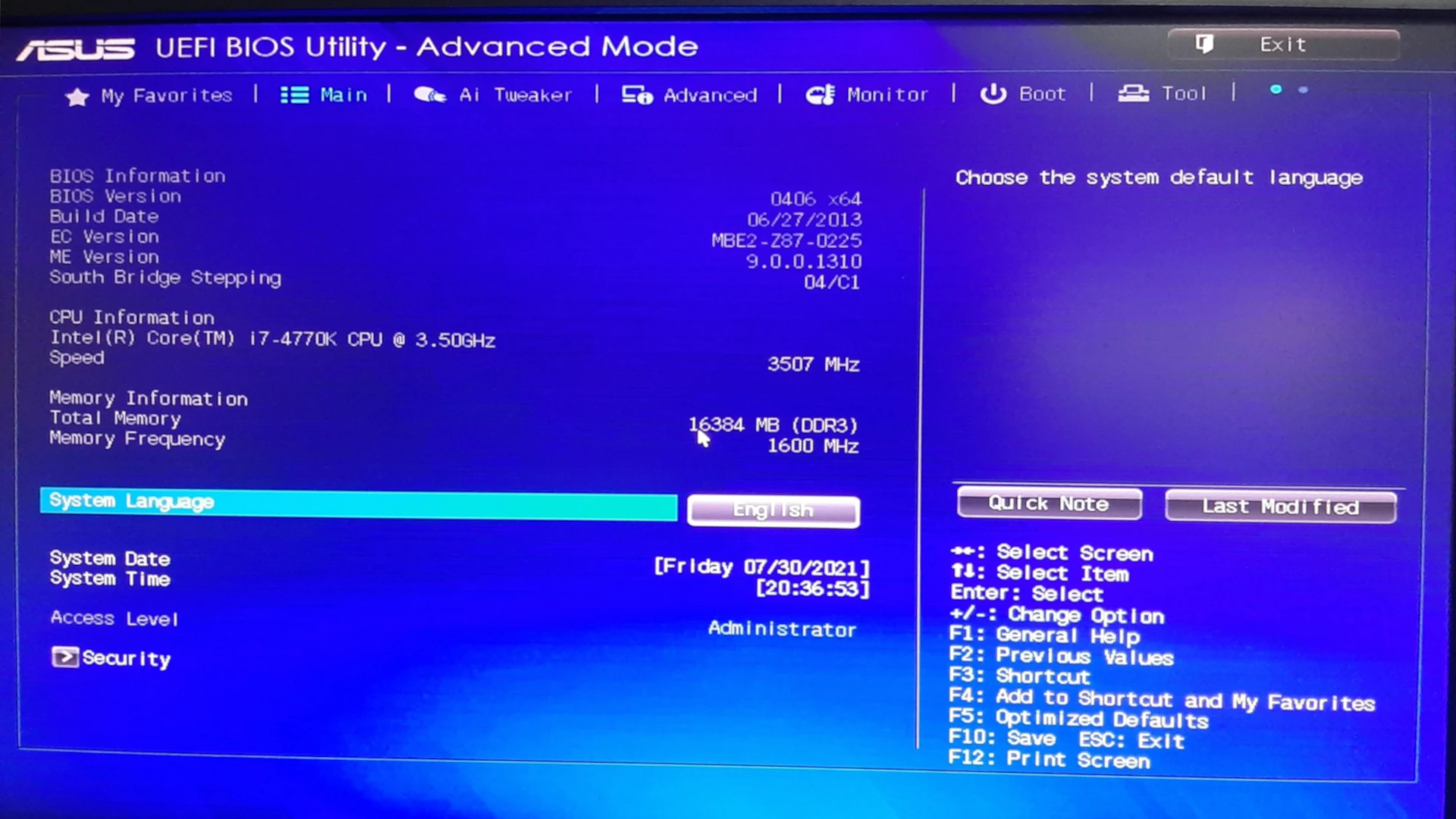
How To Get Into And Edit Your BIOS From Windows
Accessing the BIOS or UEFI firmware settings is crucial for managing your computer’s hardware and boot options. Windows 10 and ...

How to Show Seconds on Windows Clock
Displaying seconds on your Windows clock can enhance time management and precision. Windows 11 and 10 allow users to show ...
When Is Windows 12 Coming Out?
Anticipation is high for the upcoming release of Windows 12, the latest version of Microsoft’s main operating system. People are ...
Why Does My Computer Take So Long To Restart?
A slow restart can be frustrating for computer users. Many factors contribute to this issue, from software conflicts to hardware ...
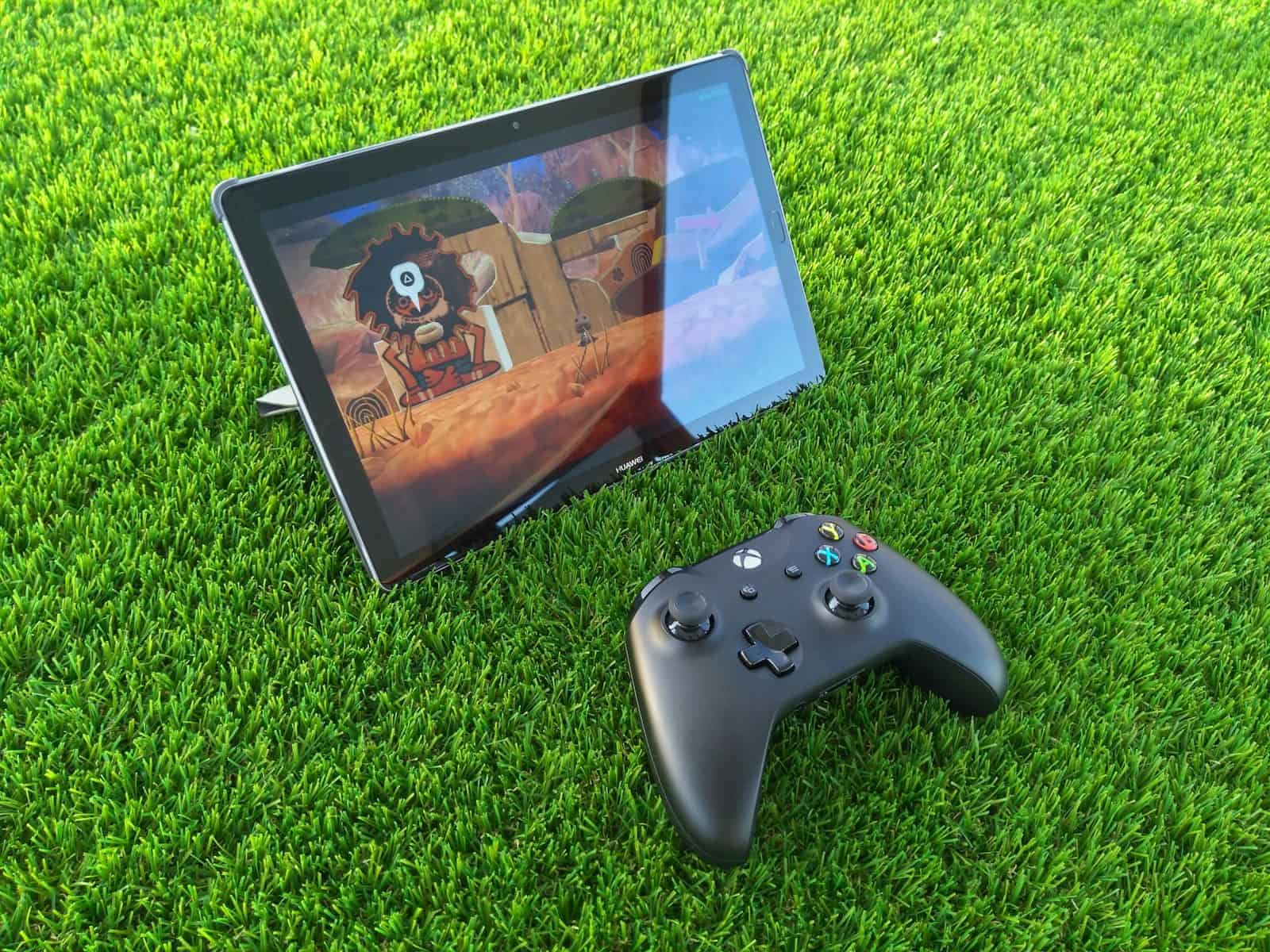
How to Run Android Apps on Windows
Running Android apps on Windows opens up new possibilities for users. You can now use your favorite mobile apps and ...
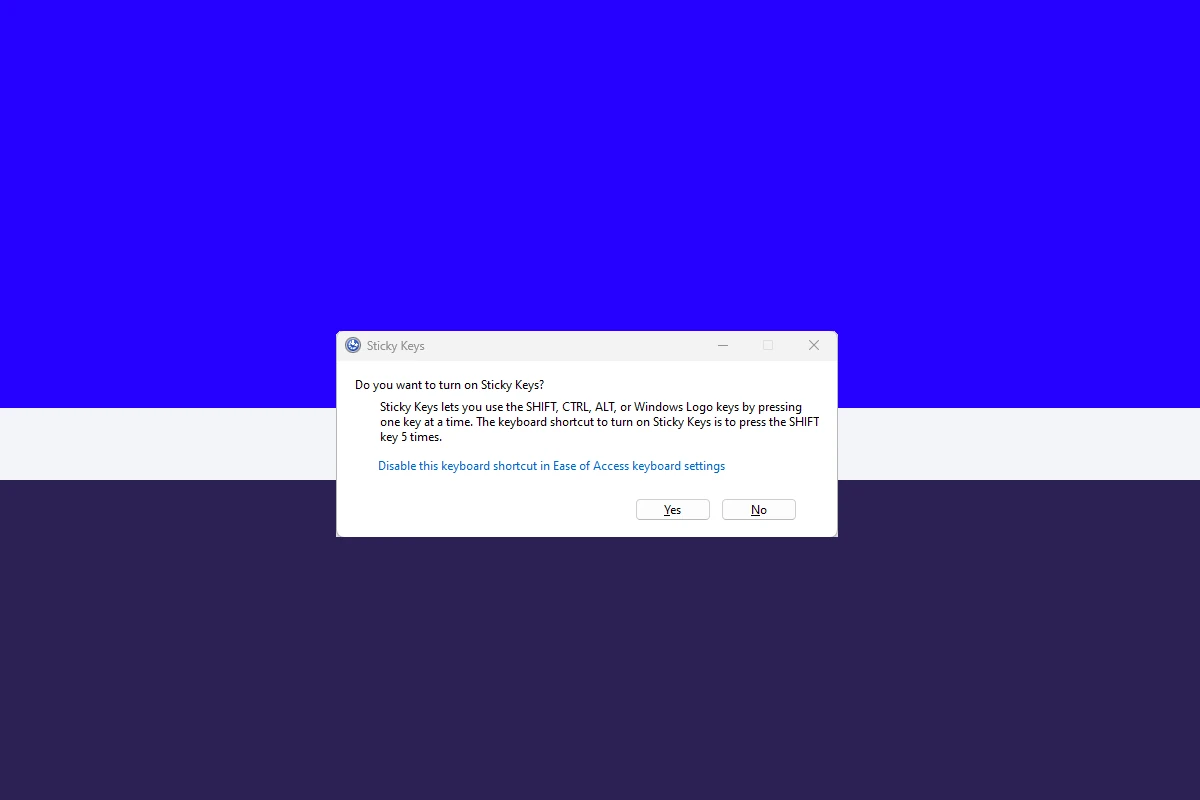
How to Turn Sticky Keys Off: Steps
Sticky Keys can be a useful accessibility feature for some users, but it can also be an annoyance for others. ...
Microsoft Dropping the TPM 2.0 Requirement for Windows 11
Microsoft has made a significant change to its Windows 11 upgrade policy. The company now allows users to install Windows ...
How To Enter Recovery Mode Windows
Windows Recovery Mode is a vital tool for troubleshooting and fixing system issues. This powerful feature allows users to access ...