As mixed reality (MR) headsets become more mainstream, users are looking for seamless ways to enhance immersion, comfort, and audio quality. One popular solution is pairing Apple AirPods with a mixed reality headset. Whether you’re gaming, working, or watching media in virtual environments, AirPods can offer a convenient and high‑quality audio experience. Here’s what you need to know.
Why Use AirPods With a Mixed Reality Headset?
1. Wireless Convenience
AirPods eliminate cables that can get tangled or uncomfortable during long MR sessions. This is especially helpful when moving around, turning your head, or using hand‑tracking features.
2. High‑Quality Audio
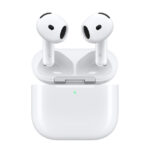
AirPods (especially AirPods Pro and AirPods Max) deliver clear sound, balanced bass, and advanced features like spatial audio and active noise cancellation—enhancing immersion in virtual and mixed environments.
3. Lightweight Comfort
Compared to many over‑ear gaming headsets, AirPods are lightweight and reduce pressure on your head and neck when worn alongside an MR headset.
4. Familiar Ecosystem
If you already use Apple devices, AirPods integrate smoothly across iPhone, iPad, and Mac—making them easy to manage and switch between devices.
Compatibility Considerations
Most mixed reality headsets support Bluetooth audio, which is key for AirPods connectivity. Popular MR and VR headsets like Meta Quest, Apple Vision Pro, and Windows‑based MR devices generally allow Bluetooth headphones.
However, compatibility may vary depending on:
- Operating system
- Bluetooth codec support
- Latency handling
Before pairing, check your headset’s documentation to confirm Bluetooth audio support.
How to Connect AirPods to a Mixed Reality Headset
While steps vary slightly by device, the general process looks like this:
- Put AirPods in Pairing Mode
- Place them in the charging case.
- Open the lid and press and hold the setup button until the light flashes white.
- Open Your Headset’s Settings
- Navigate to Bluetooth or Audio Devices in the headset’s system menu.
- Select Your AirPods
- Choose the AirPods from the list of available devices and confirm pairing.
- Test the Audio
- Play a video or app to ensure sound is routed correctly.
Once paired, most headsets will reconnect automatically in future sessions.
Latency and Performance
One potential drawback of Bluetooth audio is latency, which can cause a slight delay between visuals and sound. This is usually minimal for:
- Watching videos
- Productivity apps
- Casual gaming
For fast‑paced competitive games or rhythm‑based experiences, some users may notice lag. In these cases, a wired or headset‑native audio solution might still be preferable.
Spatial Audio and Immersion
If your MR headset and software support spatial audio, AirPods (especially newer models) can enhance directional sound. However:
- True head‑tracked spatial audio depends on both the headset and app.
- Some platforms may default to standard stereo output.
Results vary, but many users still find AirPods immersive enough for everyday MR use.
Tips for the Best Experience
- Keep AirPods fully charged before long sessions.
- Disable unused Bluetooth devices to avoid interference.
- Adjust in‑headset audio settings for balance and volume.
- If using AirPods Pro, try Transparency Mode to stay aware of your surroundings when using mixed reality.
Final Thoughts
Using AirPods with a mixed reality headset is a practical and comfortable option for many users. While they may not replace dedicated low‑latency gaming headsets in every scenario, AirPods shine in convenience, portability, and sound quality. For work, media consumption, and casual MR experiences, they’re often more than enough—and a great way to enhance your virtual world without extra bulk.
As mixed reality ecosystems continue to evolve, wireless audio solutions like AirPods are likely to become an even more integral part of the experience.
Key Takeaways
- Apple’s mixed reality headset delivers the best sound experience when paired with AirPods Pro 2 or AirPods 4.
- The H2 chip in newer AirPods enables low-latency audio processing specifically optimized for virtual environments.
- While the headset includes built-in speakers, AirPods are needed for lossless audio quality and full input capabilities.
Mixed Reality Headset Overview
Apple’s latest mixed reality headset brings a whole new way to experience virtual worlds, but many users don’t realize they might need AirPods to get the full audio experience. While the headset includes built-in speakers, pairing it with AirPods Pro 2 or AirPods 4 delivers lossless audio quality at up to 24-bit/192kHz for truly immersive sound.
The technology behind this audio integration is impressive. Apple has equipped newer AirPods models with the H2 chip, which includes a special low-latency mode specifically designed for mixed reality applications. This makes perfect sense for a device featuring 4K micro-LED displays for each eye – premium visuals deserve premium audio.
For users planning to experience Apple’s mixed reality headset, this AirPods connection is worth considering before purchase. While the headset will function with its internal speakers, the full audio potential requires compatible AirPods. This setup allows for both audio output and input capabilities, with the AirPods Pro 2 being specifically recommended for pairing with the headset.
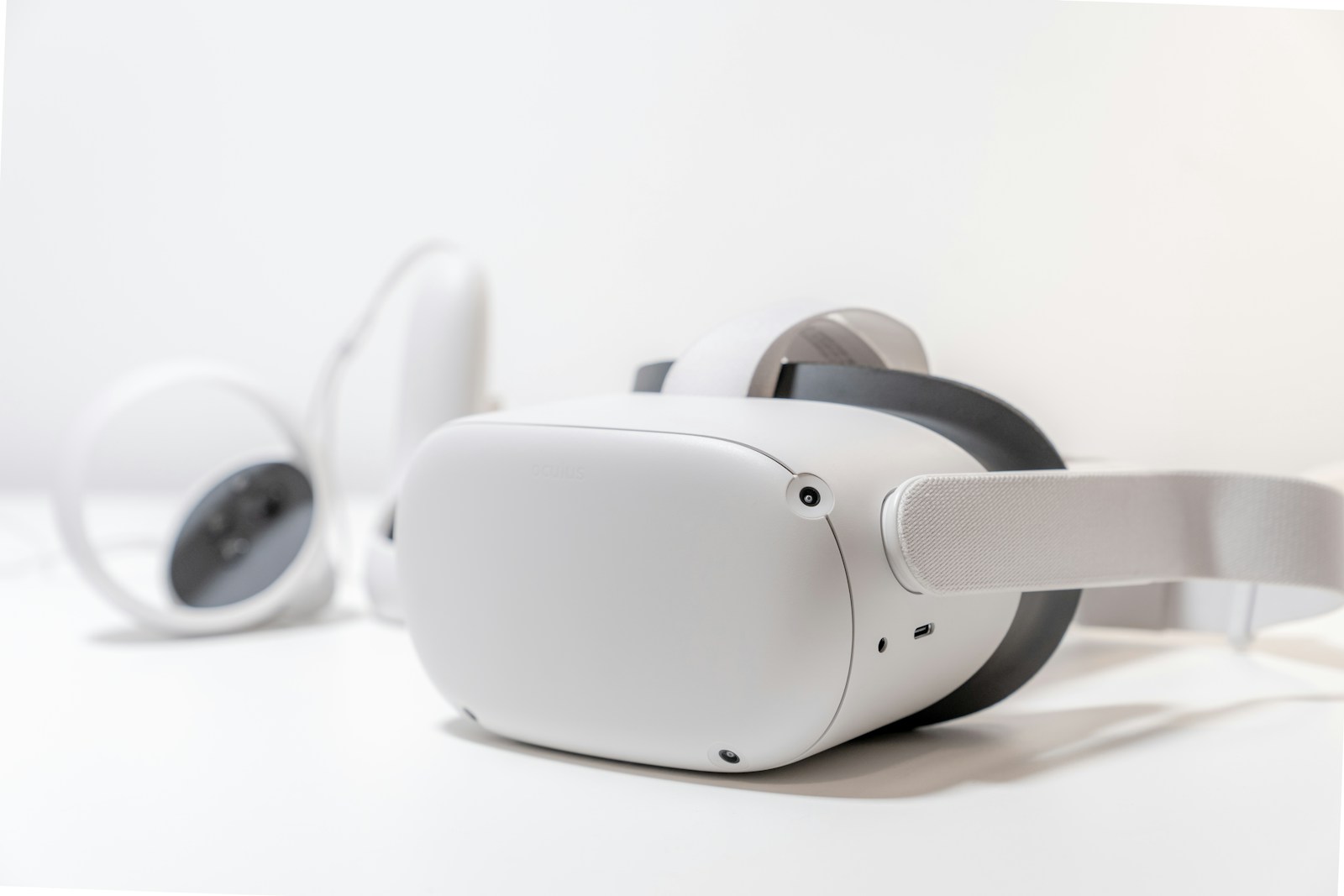
Mixed reality headsets blend virtual and augmented reality to create immersive digital experiences while allowing interaction with the real world. These devices use advanced displays, sensors, and audio technology to overlay digital content onto physical surroundings.
Evolution of Mixed Reality Technologies
Mixed reality (MR) technology has grown from simple VR headsets to sophisticated devices that merge both virtual and augmented reality. Early MR headsets had limited field of view and poor resolution, but modern versions offer much better experiences.
Today’s MR headsets include advanced features like spatial awareness and environment mapping. These improvements help the devices understand their surroundings and place digital objects realistically within the physical world.
Most headsets now use either:
- See-through displays (shows the real world with digital overlays)
- Camera pass-through (captures the real world with cameras and displays it inside)
The technology has evolved to include better tracking systems that follow hand gestures and body movements, allowing for more natural interactions with virtual content.
Apple Mixed Reality Headset Features
Apple’s upcoming mixed reality headset reportedly includes dual 4K micro-LED displays – one for each eye – providing extremely high-resolution visuals. Small motors inside the headset can shift the lenses to optimize the viewing experience.
The headset will feature:
- Eye tracking technology
- Facial expression detection
- Hand gesture recognition
- iOS-like interface
For audio, Apple appears to be taking a unique approach. Reports suggest the device may require AirPods for the full audio experience, pairing the visual immersion with spatial audio technology.
The headset is expected to include both AR and VR capabilities, with a focus on videoconferencing and digital avatars. Users will likely be able to create realistic virtual representations of themselves for meetings and social interactions.
AirPods Audio Integration in Mixed Reality
AirPods enhance the mixed reality experience with advanced audio features and seamless connectivity. These wireless earbuds deliver immersive sound while maintaining comfort during extended virtual sessions.
Audio Experience Enhancement with AirPods
The integration of AirPods with mixed reality headsets creates a truly immersive audio experience. Apple’s mixed reality headset may require AirPods for the full audio experience, making them essential accessories for optimal performance.
AirPods Pro 2 with the H2 chip offers superior sound quality with features like Active Noise Cancellation and Adaptive Audio. These features block unwanted noise and let users focus on the virtual environment.
Lossless Audio support in AirPods Pro 2 and AirPods 4 delivers high-resolution sound up to 24-bit/192kHz, creating more realistic audio in mixed reality applications. This makes virtual environments sound more natural and engaging.
For users who need awareness of their surroundings, Transparency Mode and Conversation Awareness provide safety while using mixed reality headsets. These features let important sounds pass through without removing the earbuds.
Compatibility and Connectivity
AirPods, AirPods Pro, and AirPods Max all support Spatial Audio, a key technology for mixed reality experiences. This technology creates a 3D sound field that enhances the sense of presence in virtual environments.
The low-latency transmission mode in newer AirPods models reduces audio delay, which is crucial for mixed reality applications. This ensures that sound stays perfectly synchronized with visual elements.
Automatic switching between devices makes transitioning between mixed reality and regular use seamless. Users can move from a virtual meeting to a phone call without manually reconnecting their AirPods.
While AirPods provide the best integration with Apple’s ecosystem, Spatial Audio works with other headphones too. This gives users flexibility in choosing audio equipment for their mixed reality setup.
Compatible AirPods Features for Mixed Reality:
- Spatial Audio with head tracking
- Active Noise Cancellation
- Adaptive Audio
- Personalized Volume
- Low-latency audio transmission